| futuristic-tech-editorial-ppt-skill | ||
| japanese-hand-drawn-editorial-ppt-skill | ||
| japanese-style-ppt-skill | ||
| minimalist-luxury-branding-ppt-skill | ||
| modern-illustration-editorial-ppt-skill | ||
| soft-3d-clay-ppt-skill | ||
| README.en.md | ||
| README.md | ||

Awesome PPT Design Skill
One prompt, and any skills-aware coding agent can generate a polished, presentation-ready PPT in a specific visual style.
Agent-agnostic PPT design skills for generating polished PowerPoint decks with ppt-master.
This repository contains a set of PPT design skills I created. The goal is not to ship fixed templates, but to give agents a stable visual system to follow when creating decks: color, layout, typography, spacing, covers, charts, QA, and the PPT master workflow.
Traditional Chinese is supported. You can describe requirements, choose a style, set page count, and provide PDFs in Traditional Chinese. The skills are designed to understand Chinese deck narratives and presentation context.
These skills can be used with multiple coding agents that support local skills or agent instructions, including Codex, Claude Code, Cursor, OpenCode, OpenClaw, and Hermes. Installation may differ by agent.
Use japanese-style-ppt-skill and follow ppt-master to create a 5-page PPT from this PDF.
請使用 minimalist-luxury-branding-ppt-skill,根據這份文件做一份 6 頁高端品牌提案簡報。
Style Gallery
| Skill | Cover | Best For |
|---|---|---|
japanese-style-ppt-skill / Japanese Lifestyle Editorial |
 |
Brand stories, business proposals, product narratives, magazine-style professional decks |
japanese-style-ppt-skill / Washi Paper & Soft Glow |
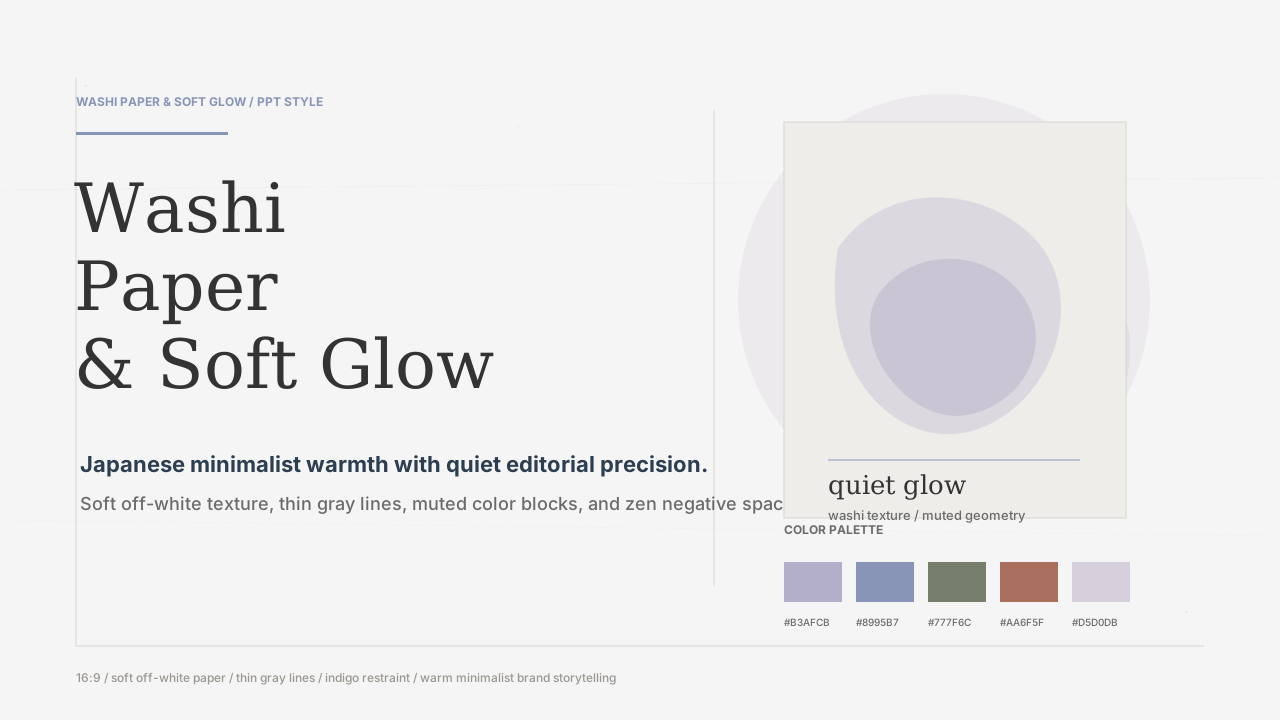 |
Human-centered storytelling, warm business decks, brand philosophy, strategic narratives |
soft-3d-clay-ppt-skill |
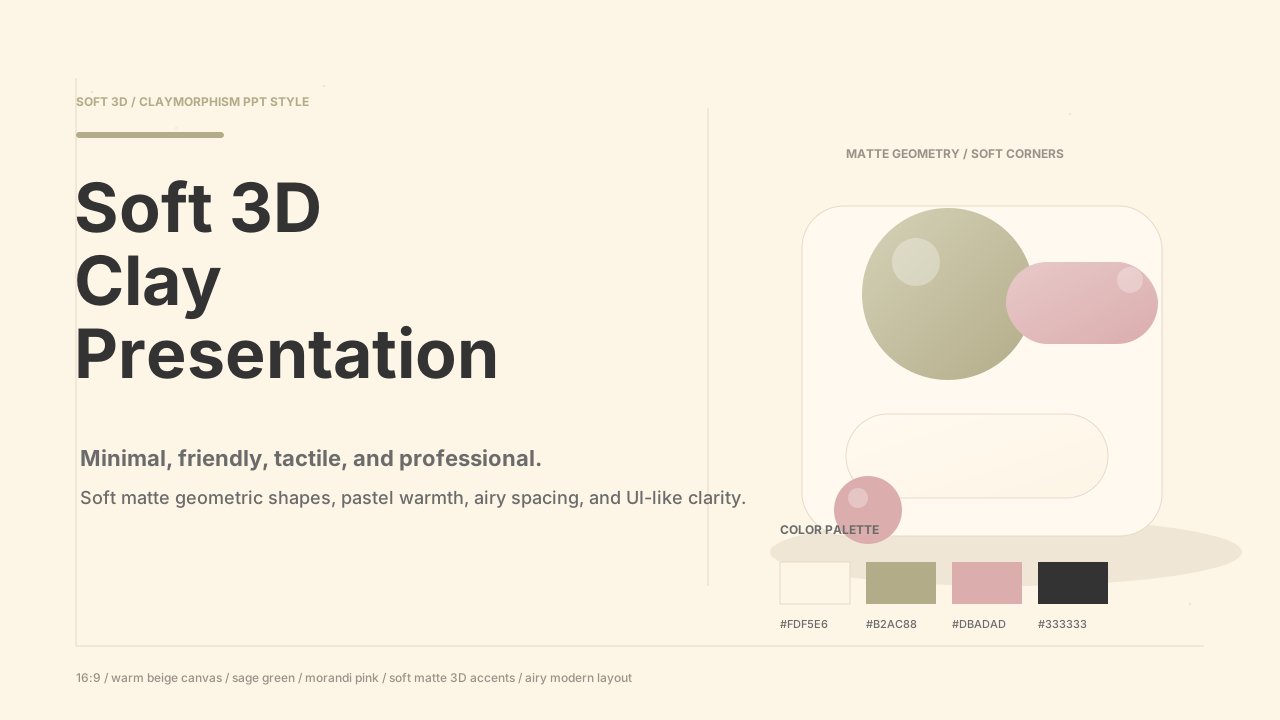 |
Lightweight tech decks, friendly product explainers, lively but professional strategy decks |
futuristic-tech-editorial-ppt-skill |
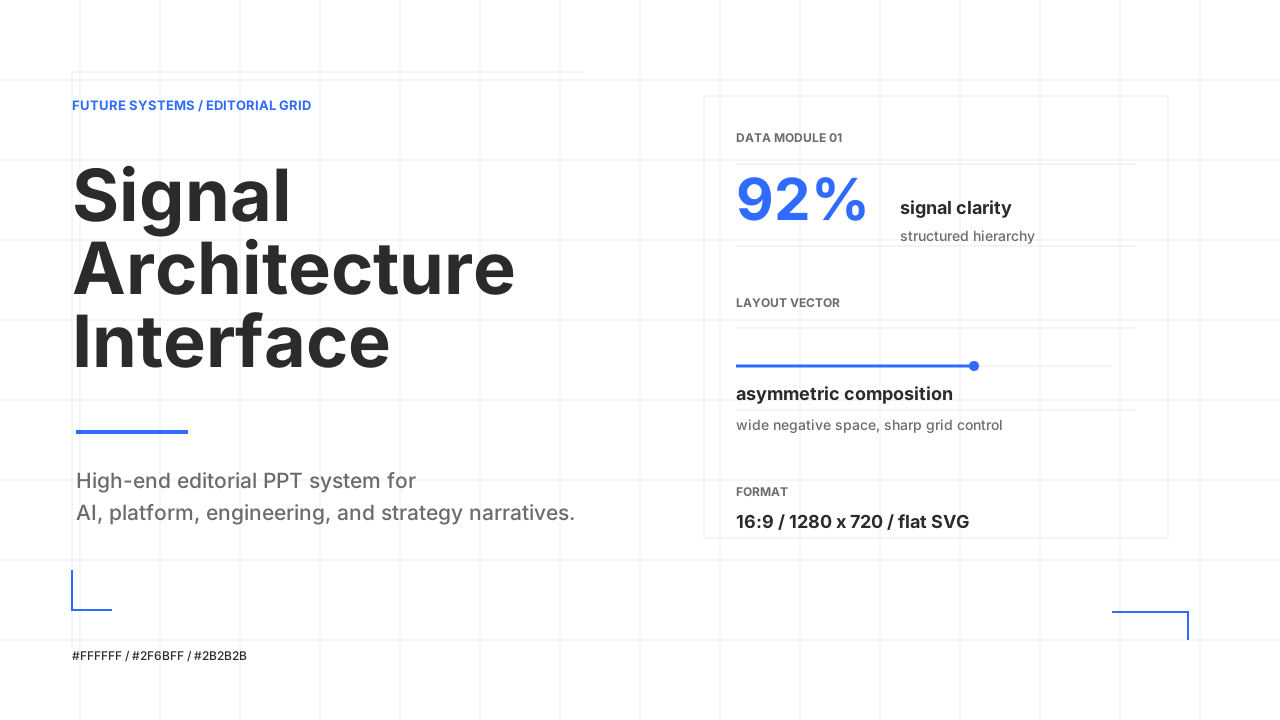 |
AI, platforms, engineering, technical strategy, data-forward business decks |
minimalist-luxury-branding-ppt-skill |
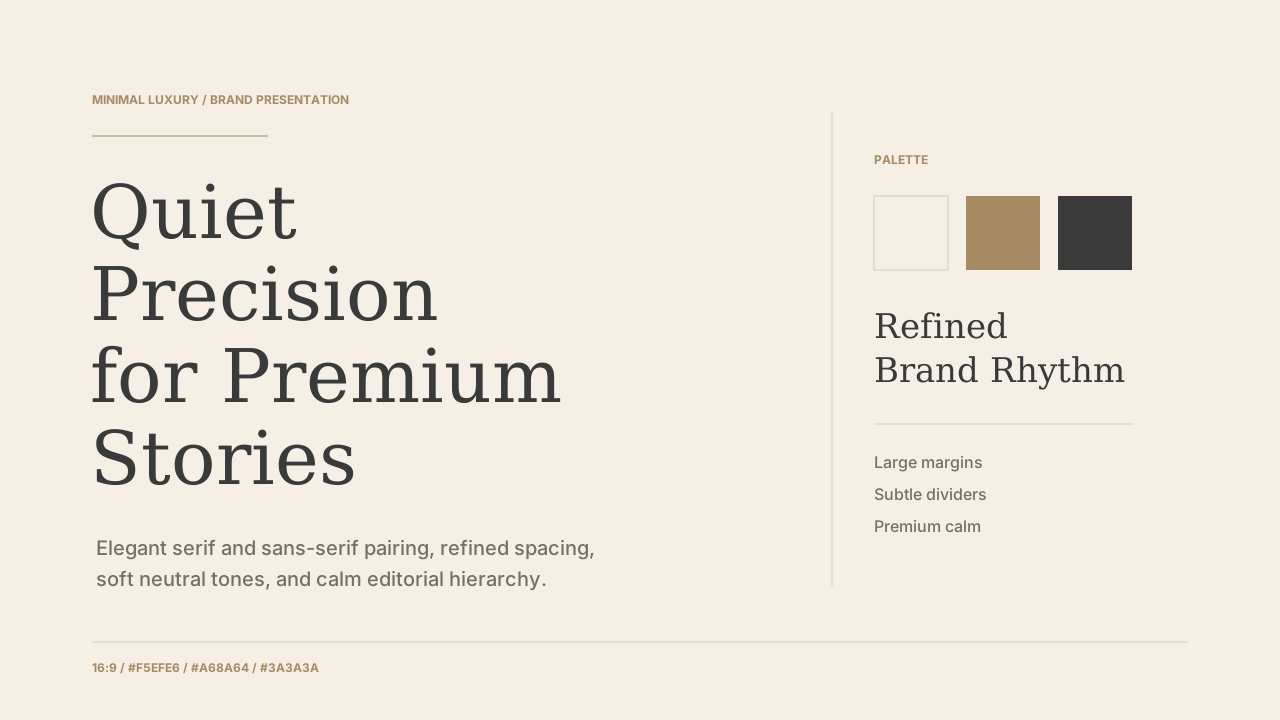 |
Premium brand proposals, company profiles, founder decks, luxury business storytelling |
modern-illustration-editorial-ppt-skill |
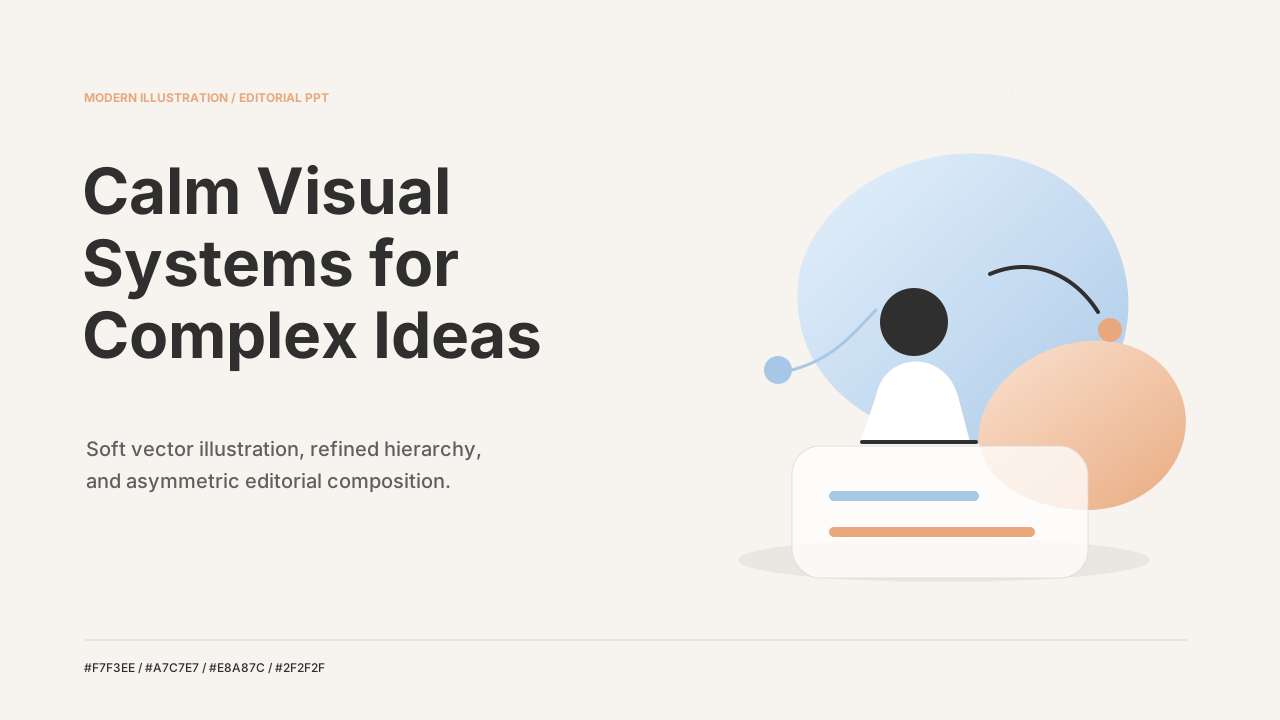 |
Product stories, strategy explainers, workflows, concept-led illustrated decks |
japanese-hand-drawn-editorial-ppt-skill |
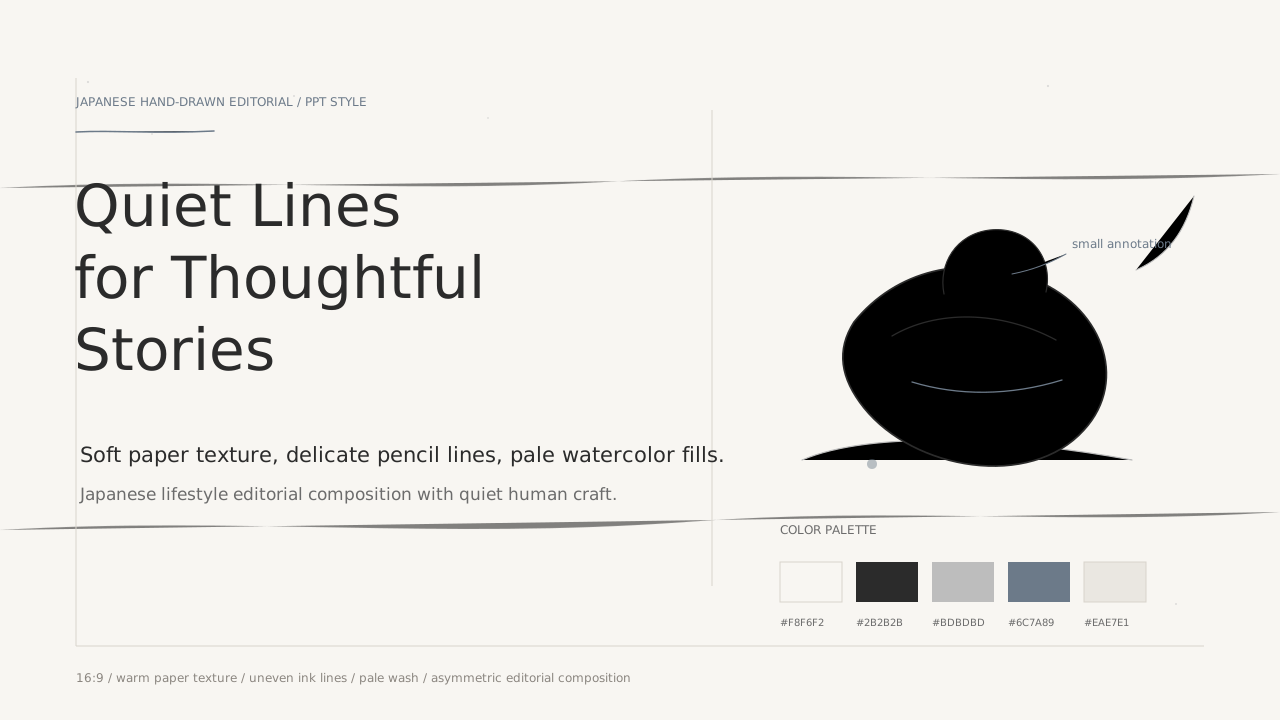 |
Human-centered brands, lifestyle narratives, creative process, quiet concept-led decks |
What You Can Make
| Capability | Output | Typical Use |
|---|---|---|
| PDF to PPT | Multi-page decks rebuilt from source documents | Technical essays, research reports, product docs, business proposals |
| Style-directed deck | A complete visual system generated from a chosen skill | Quickly switch the same content across different visual moods |
| PPT master workflow | design_spec.md, spec_lock.md, SVG pages, PPTX export |
Stable generation with inspectable production steps |
| Cover and visual QA | Each skill includes cover references and QA checklists | Keep colors, spacing, charts, and typography aligned |
| Traditional Chinese prompts | Traditional Chinese requirements and content organization | Chinese decks, Chinese business proposals, bilingual decks |
Included Skills
japanese-style-ppt-skill
A high-end Japanese editorial presentation system with two house styles.
Washi Paper & Soft Glow
- Off-white washi paper texture
- Soft glow and muted colors
- Thin gray lines with restrained indigo accents
- Generous negative space, quiet warmth
Japanese Lifestyle Editorial
- Stark white background
- Burnt orange and charcoal gray
- High-end lifestyle magazine composition
- Asymmetric edge-pressed imagery and structured grids
soft-3d-clay-ppt-skill
Soft 3D / Claymorphism style.
- Warm beige
#FDF5E6 - Sage green
#B2AC88 - Morandi pink
#DBADAD - Soft matte geometric shapes
- Airy, modern, friendly, and still professional
futuristic-tech-editorial-ppt-skill
Futuristic tech magazine style.
- White background
#FFFFFF - Electric blue
#2F6BFF - Graphite gray
#2B2B2B - Thin grids, data modules, asymmetric negative space
- No shadows, no 3D, flat and sharp
minimalist-luxury-branding-ppt-skill
Minimalist luxury branding style.
- Warm beige
#F5EFE6 - Soft brown
#A68A64 - Deep gray text
#3A3A3A - Serif title plus sans-serif body typography
- Large margins, low density, premium rhythm
modern-illustration-editorial-ppt-skill
Modern illustrated editorial presentation style.
- Soft beige
#F7F3EE - Muted blue
#A7C7E7 - Dusty orange
#E8A87C - Charcoal gray
#2F2F2F - Refined vector illustration, slight gradients, restrained shadows
japanese-hand-drawn-editorial-ppt-skill
Japanese hand-drawn editorial presentation style.
- Warm paper background
#F8F6F2 - Ink black line art
#2B2B2B - Soft gray
#BDBDBD - Muted indigo
#6C7A89 - Delicate pencil/ink illustration, pale watercolor fills, slightly imperfect strokes
Quick Start
Copy the skill folders into your agent's skills directory, or keep them in a workspace the agent can read.
Use a prompt that names the skill and asks the agent to follow ppt-master:
Use japanese-style-ppt-skill in the Washi Paper & Soft Glow style.
Follow ppt-master and create a 5-page PPT from this PDF.
Use futuristic-tech-editorial-ppt-skill and follow ppt-master
to create a 3-page technical strategy PPT from this PDF.
請使用 modern-illustration-editorial-ppt-skill,
把這份產品策略文件整理成 6 頁繁體中文簡報。
PPT Master Workflow
When used with ppt-master, treat each skill as the visual style layer and generate the deck through:
- Content summary and slide plan
- Eight Confirmations
design_spec.mdspec_lock.md- SVG pages
- Visual QA
- PPTX export
ppt-master can convert generated slide pages into editable .pptx files, so text, shapes, and layout can continue to be edited in PowerPoint instead of being exported only as static images.
Each skill provides:
SKILL.md: trigger conditions and core style instructionsreferences/style-system.md: color, typography, layout, chart, and image rulesreferences/slide-patterns.md: reusable slide patternsreferences/ppt-master-integration.md: PPT master generation rulesreferences/qa-checklist.md: final QA checklistassets/examples/01_cover.svg: style cover reference
Design Principles
- Understand the content before applying style.
- Keep one clear message per slide.
- Treat color as a system, not decoration.
- Use negative space intentionally.
- Charts and illustrations must support the narrative.
- Covers, section slides, data slides, and closing slides should share one coherent visual language.
- Run the QA checklist before generating the final PPT.
Repository Structure
.
|-- japanese-style-ppt-skill/
|   |-- SKILL.md
|   |-- agents/openai.yaml
|   |-- assets/
|   |   |-- template.html
|   |   |-- style2-template.html
|   |   `-- examples/
|   |       |-- japanese-lifestyle-editorial/
|   |       `-- washi-soft-glow/
|   `-- references/
|       |-- style-system.md
|       |-- japanese-lifestyle-editorial.md
|       |-- slide-patterns.md
|       |-- ppt-master-integration.md
|       `-- qa-checklist.md
|-- soft-3d-clay-ppt-skill/
|   |-- SKILL.md
|   |-- agents/openai.yaml
|   |-- assets/
|   |   |-- template.html
|   |   `-- examples/
|   `-- references/
|       |-- style-system.md
|       |-- slide-patterns.md
|       |-- ppt-master-integration.md
|       `-- qa-checklist.md
|-- futuristic-tech-editorial-ppt-skill/
|   |-- SKILL.md
|   |-- agents/openai.yaml
|   |-- assets/
|   |   |-- template.html
|   |   `-- examples/
|   |       `-- 01_cover.svg
|   `-- references/
|       |-- style-system.md
|       |-- slide-patterns.md
|       |-- ppt-master-integration.md
|       `-- qa-checklist.md
|-- minimalist-luxury-branding-ppt-skill/
|   |-- SKILL.md
|   |-- agents/openai.yaml
|   |-- assets/
|   |   |-- template.html
|   |   `-- examples/
|   |       `-- 01_cover.svg
|   `-- references/
|       |-- style-system.md
|       |-- slide-patterns.md
|       |-- ppt-master-integration.md
|       `-- qa-checklist.md
|-- modern-illustration-editorial-ppt-skill/
|   |-- SKILL.md
|   |-- agents/openai.yaml
|   |-- assets/
|   |   |-- template.html
|   |   `-- examples/
|   |       `-- 01_cover.svg
|   `-- references/
|       |-- style-system.md
|       |-- slide-patterns.md
|       |-- ppt-master-integration.md
|       `-- qa-checklist.md
`-- japanese-hand-drawn-editorial-ppt-skill/
    |-- SKILL.md
    |-- agents/openai.yaml
    |-- assets/
    |   |-- template.html
    |   `-- examples/
    |       `-- 01_cover.svg
    `-- references/
        |-- style-system.md
        |-- slide-patterns.md
        |-- ppt-master-integration.md
        `-- qa-checklist.md
Limits
- These skills define style and workflow, not fixed templates.
- Final quality still depends on source quality, page-count constraints, and PPT master execution.
- If formal brand guidelines exist, provide logos, color palettes, fonts, and brand documents first.
- Without brand assets, the built-in style systems act as fallback.