
3.5 KiB
Awesome PPT Design Skill
Custom Codex skills for generating polished PowerPoint decks with ppt-master. This collection focuses on high-end editorial presentation design, Japanese minimalist layout systems, and soft modern 3D claymorphism.
Cover Previews
Japanese Lifestyle Editorial
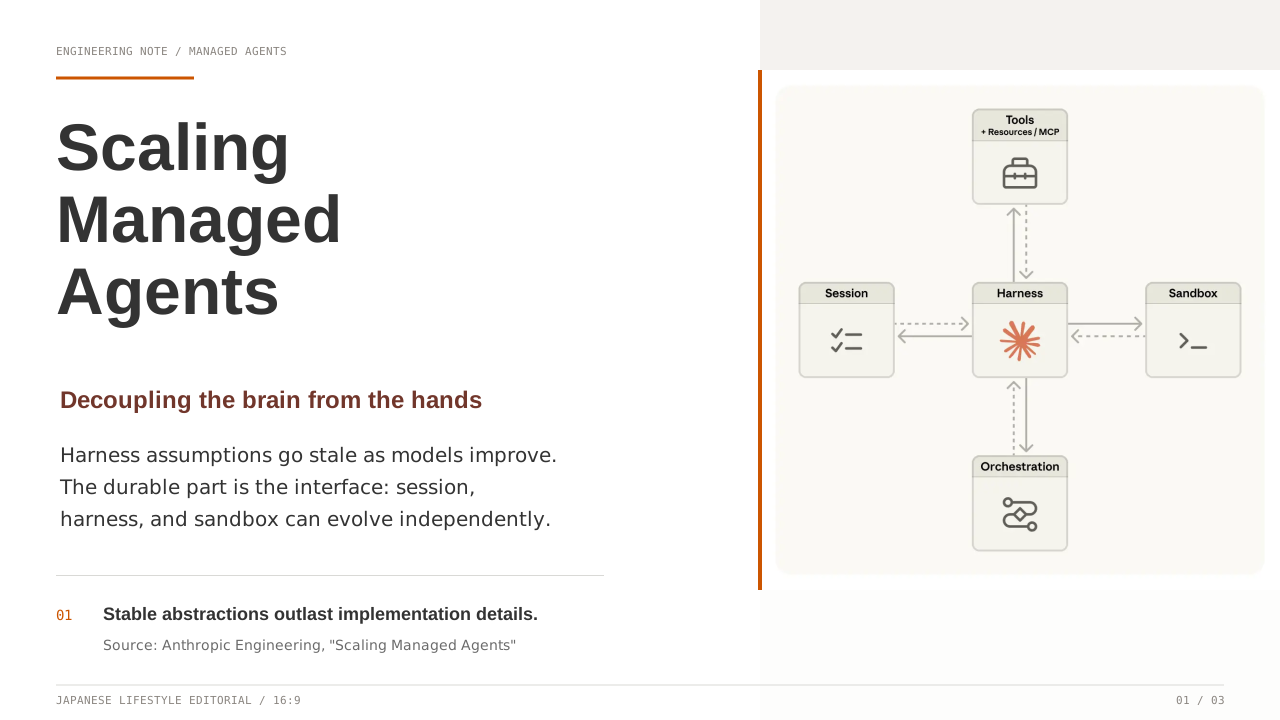
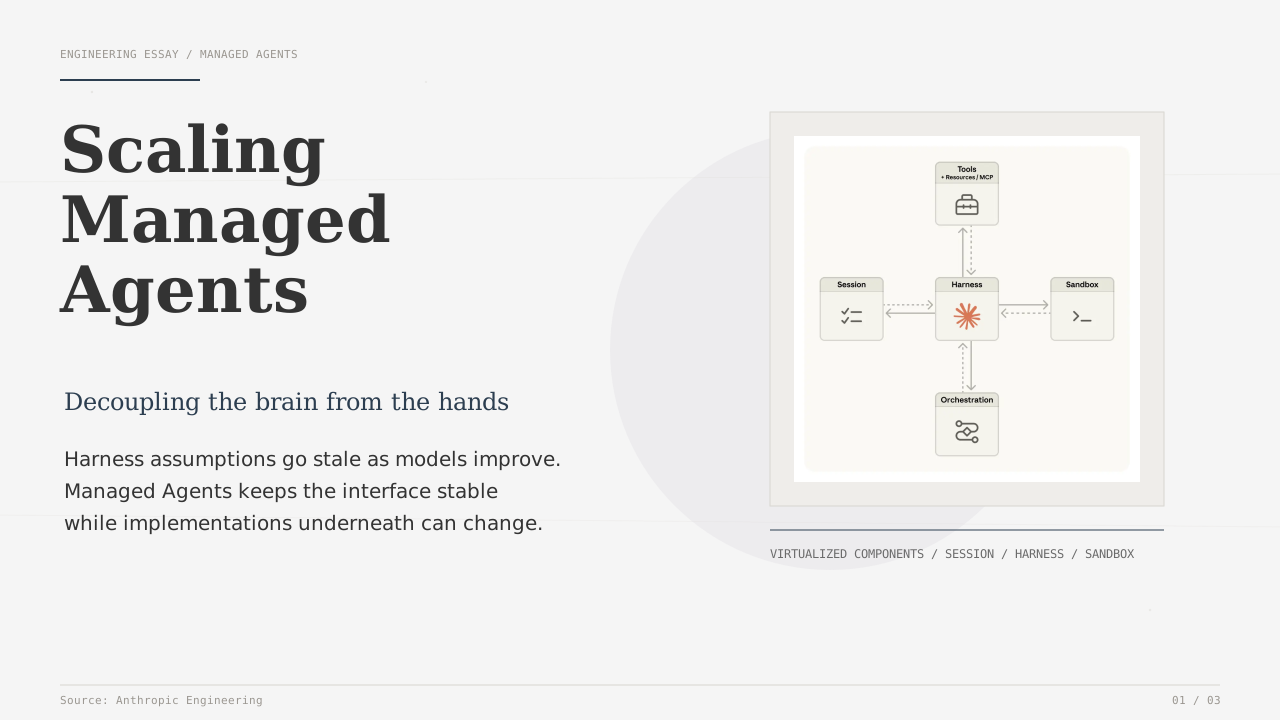
Washi Paper & Soft Glow
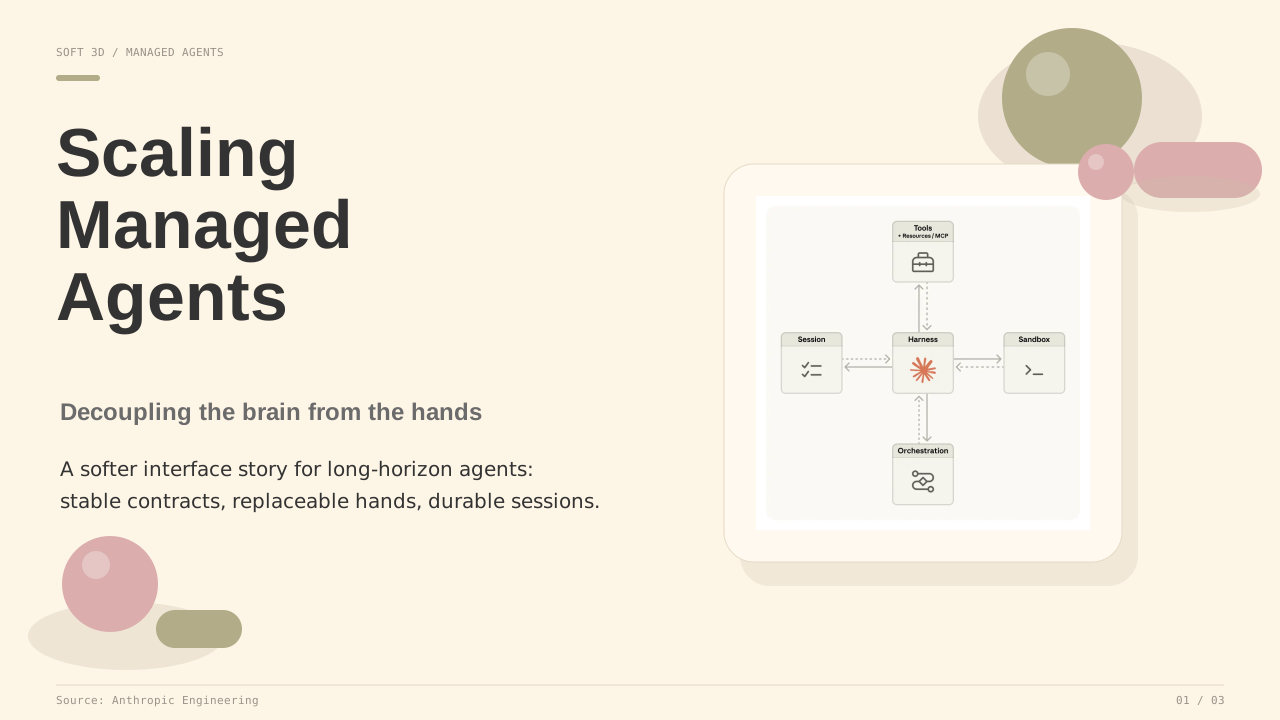
Soft 3D / Claymorphism
Included Skills
japanese-style-ppt-skill
Japanese editorial presentation design with two house styles:
- Washi Paper & Soft Glow: soft off-white washi texture, indigo restraint, thin gray lines, quiet geometry, professional warmth.
- Japanese Lifestyle Editorial: stark white background, bold elegant sans-serif headings, burnt orange accents, structured grid, asymmetric edge-pressed imagery.
Best for brand stories, human-centered strategy, product narratives, business proposals, and polished technical storytelling.
soft-3d-clay-ppt-skill
Minimalist professional PPT design with a soft 3D / claymorphism aesthetic:
- Warm beige background
#FDF5E6 - Sage green
#B2AC88 - Morandi warm pink
#DBADAD - Soft matte 3D shapes in corners and gutters
- Airy UI-like layouts with soft rounded panels
Best for modern product decks, friendly technical explainers, lightweight business proposals, and presentations that need warmth without losing professionalism.
Repository Structure
.
├── japanese-style-ppt-skill/
│   ├── SKILL.md
│   ├── agents/openai.yaml
│   ├── assets/
│   │   ├── template.html
│   │   ├── style2-template.html
│   │   └── examples/
│   └── references/
│       ├── style-system.md
│       ├── japanese-lifestyle-editorial.md
│       ├── slide-patterns.md
│       ├── ppt-master-integration.md
│       └── qa-checklist.md
└── soft-3d-clay-ppt-skill/
    ├── SKILL.md
    ├── agents/openai.yaml
    ├── assets/
    │   ├── template.html
    │   └── examples/
    └── references/
        ├── style-system.md
        ├── slide-patterns.md
        ├── ppt-master-integration.md
        └── qa-checklist.md
Usage
Copy the skill folders into your Codex skills directory or reference them from a workspace where Codex can read local skills.
Example prompts:
Use japanese-style-ppt-skill and follow ppt-master to create a 5-page PPT from this PDF.
Use soft-3d-clay-ppt-skill to make the deck more lively, modern, and less rigid.
When using ppt-master, the skill should be treated as the visual style layer for:
- Eight Confirmations
design_spec.mdspec_lock.md- SVG page generation
- visual QA and export
Design Principles
- Keep the deck professional and readable first.
- Use style as a system, not decoration.
- Keep colors restrained and consistent with each skill's palette.
- Use icons sparingly.
- Preserve negative space.
- For
ppt-master, keep every generated SVG aligned withspec_lock.md.
Notes
The SVG examples in assets/examples/ are lightweight visual references. They are meant to show style direction, not act as fixed templates. For real decks, adapt layout and density to the source material.